
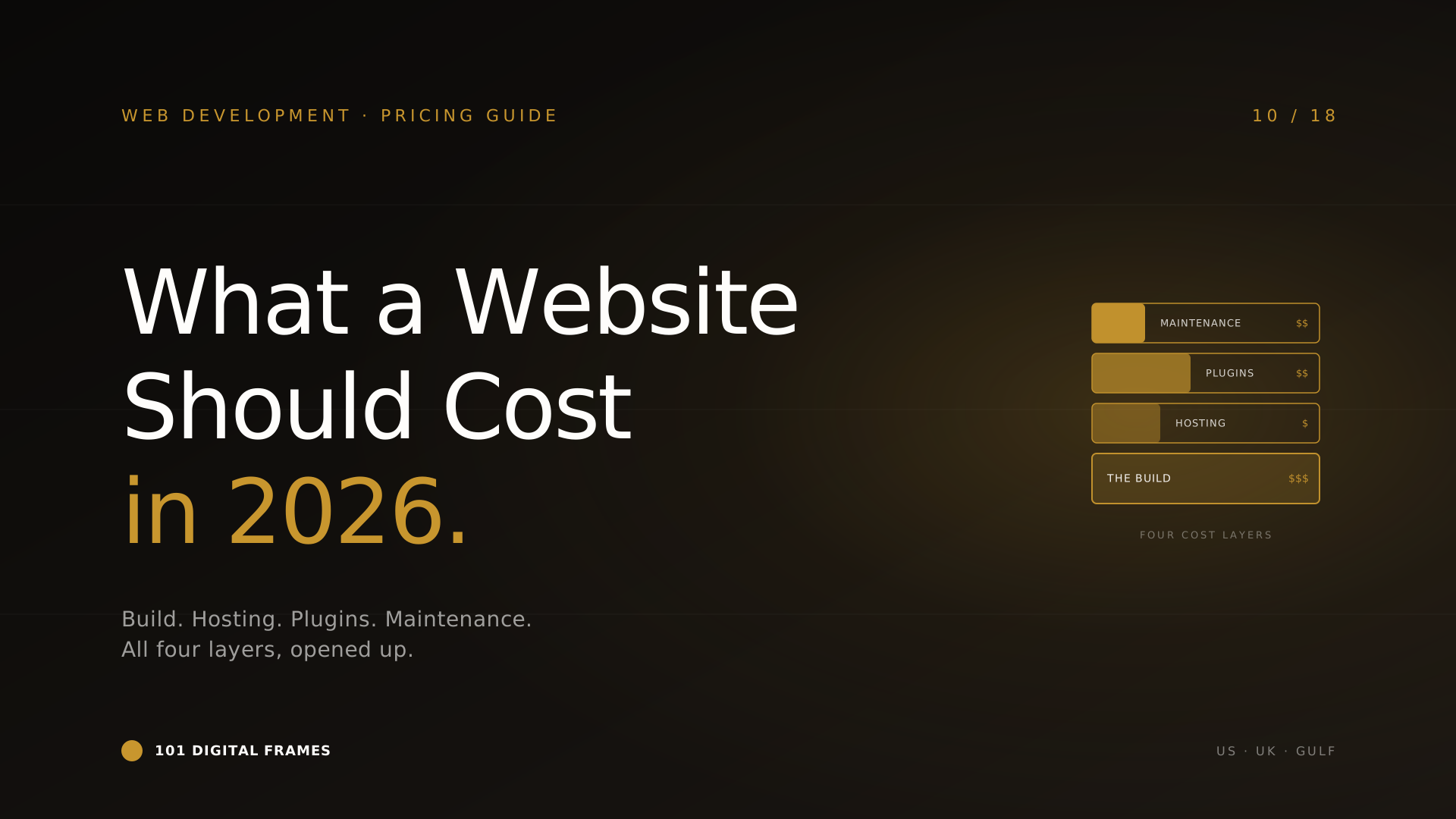
What a Modern Business Website Should Cost in 2026: US, UK & Gulf benchmarks, opened up
July 29, 2026What a Modern Business Website Should Cost in 2026: US, UK & Gulf benchmarks, opened up
July 29, 2026Most "WordPress vs Webflow" articles are written by people who sell one of the two. The conclusion is decided before the article starts.
This one is written by people who build all three. We ship WordPress sites every month for service businesses and e-commerce brands across the US, UK, and Gulf. We build Webflow when the project calls for it. We hand-roll custom Next.js builds for clients whose requirements have outgrown anything off the shelf. None of these platforms is the right answer all the time. All of them are the right answer some of the time.
This article is the honest version of the comparison: what each platform is actually best at in 2026, what each one really costs across a five-year window, the situations where one clearly beats the others, and the situations where the choice doesn't matter much at all. By the end you will know which one fits your business — and the agency answering your discovery call won't be able to bluff their way past it.
No fluff. Let's begin.
What each one actually is
WordPress
Self-hosted, open-source CMS. Still powers around 40% of the entire web in 2026. Vast plugin ecosystem (WooCommerce, Elementor, Yoast, Gravity Forms), thousands of themes, and a global pool of developers who can pick it up when yours leaves. You host it. You own it. You can break it.
Webflow
Visual web design platform with hosted infrastructure. Designers build pixel-perfect, responsive sites visually; Webflow generates the underlying code. Far stronger than WordPress for design fidelity and animations out of the box. Plugin ecosystem is thinner. You host on Webflow. You don't own the underlying code.
Custom Build
A site written from scratch in a modern framework — Next.js, Astro, SvelteKit, sometimes paired with a headless CMS like Sanity, Contentful, or Strapi. Total control. Total flexibility. Total responsibility. Best performance ceiling of the three. Also the highest cost and the longest time to ship.
The comparison, on one page
Tell us your project in 30 minutes. We'll tell you which platform actually fits — even if it's not one we make money on.
When to choose which
Choose WordPress when:
- →You need a content-heavy site (blog, knowledge base, news) where SEO matters more than animation.
- →You want to run an online store (WooCommerce is mature, cheap, and reliable).
- →You need full ownership — you can host anywhere, switch developers, and never get locked in.
- →You're a multi-language business (translation plugins like WPML and Polylang are still the most mature solutions in the market).
- →Your team will edit the site monthly. Gutenberg is now genuinely good for non-developers.
Choose Webflow when:
- →Design is the deliverable. You're a creative agency, a designer-led studio, a high-end consultancy where the site is a brand statement.
- →You want a marketing site that ships in three weeks and doesn't need engineering attention.
- →Your business doesn't need 30 plugins. If your stack is "site + Calendly + a form", Webflow is great.
- →You're willing to accept lock-in in exchange for never thinking about hosting, security, or plugin conflicts again.
Choose a custom build when:
- →The site is the product (SaaS dashboards, marketplaces, anything with deep user state).
- →You're publishing 10,000+ pages and need programmatic SEO at scale.
- →Performance is critical — sub-second load, edge rendering, perfect Core Web Vitals at scale.
- →You have engineers in-house and the patience for an 8-to-20 week build.
The mistake most SMBs make
They confuse "design loves it on Twitter" with "right for our business."
Webflow looks beautiful on Dribbble and Awwwards. Every founder who has spent a weekend looking at landing pages wants what those startups have. So they brief a Webflow agency to build their site, and ten months later they realise their content team can't add a third language, their CFO can't get the basic analytics they want, and the SEO performance is solid but not the dominant force they were promised. They paid 50% more than they would have on WordPress for design polish that the customer never actually noticed.
The opposite mistake is real too. Founders pick WordPress because it's "the safe choice", then ask their agency to make it do things WordPress was never designed for — pixel-perfect animation-heavy landing pages, complex web app interfaces, deep custom integrations. The site limps along, plugin conflicts compound, and two years later they rebuild from scratch.
A useful rule: pick the platform that fits the 80% case of your business in 24 months. Not the platform that looks coolest today, not the platform you used at your last job. Where will the bulk of your team's effort be in two years — writing content, designing pages, or shipping product? Pick accordingly.
Most agencies sell what they make. We build all three — and we'll tell you which one your business actually needs.
Switching platforms later is more painful than you think
Every founder we talk to imagines they can "start with Webflow now and migrate to WordPress later if we need to." Or "start with WordPress and rebuild in Next.js once we scale." Both of these are technically possible. Both of them are far harder than they sound.
A migration is not a copy-paste. URLs change. Internal links break. SEO drops for 60-180 days even with perfect redirect mapping. Your content gets remodeled to fit the new platform's structure. Your team relearns publishing workflow. Forms break and get rebuilt. Analytics get re-instrumented. Integrations (CRM, marketing tools, AI chatbots) get re-wired. The total cost of a serious migration on a content-heavy site is roughly 60-80% of building from scratch.
Which is why picking right the first time is worth thinking hard about. Use the 24-month rule from the previous section. Where will your business be in two years? Pick for that, not for today.
The five-year cost picture
Build cost is the headline. The five-year total is the real bill. Numbers below are typical for an SMB site with regular content updates and a single round of redesign in year three.
Numbers are mid-range estimates for typical SMB sites. The custom column assumes a serious build with a headless CMS, not a one-page Next.js landing page.
All three platforms. Same scope. Real numbers.
Tell us what you're building. We'll reply within 48 hours with the cost of building it on all three — and a recommendation.
In one paragraph
WordPress is the right answer for the 70% case — content-heavy sites, e-commerce, multi-language, businesses that want full ownership and a huge pool of developers. Webflow wins for design-led marketing sites that need to ship fast and look stunning, where you can live with hosting lock-in. Custom builds are for the cases where the site is the product or your scale has outgrown both — they cost three times as much but give performance and flexibility nothing else can match. Pick for where your business will be in 24 months, not for what looks cool today. Migrations are far more painful than founders expect. Get it right the first time.
Common questions
Is WordPress still relevant in 2026?+
Massively. Around 40% of all websites globally still run on WordPress in 2026. The Gutenberg editor has matured into a genuinely good block-based editor. Full-site editing themes have closed much of the gap with Webflow on design quality. The "WordPress is old" take is a Twitter narrative, not the reality on the ground.
Will switching from Webflow to WordPress hurt my SEO?+
Temporarily, almost always. Even with perfect URL mapping and 301 redirects, Google takes 60 to 180 days to fully re-evaluate a migrated site. Done well, the post-migration position is at least as good as the pre-migration one. Done badly, the recovery can take a year. Plan the migration with an SEO specialist, not just a developer.
Is Webflow really faster to build than WordPress?+
For marketing sites under 15 pages, yes — typically 30 to 50% faster. For larger sites, the gap closes and often reverses, because the WordPress plugin ecosystem covers more out-of-the-box functionality (forms, multi-language, memberships) that you'd otherwise need to build custom in Webflow.
When does a custom build genuinely pay off vs WordPress?+
When the site has more than 5,000 pages, when sub-second performance is mission-critical, when your engineering team is large enough to maintain it, or when the site has app-like complexity (logged-in dashboards, marketplaces, real-time data). Below those thresholds, custom is rarely worth the extra cost.
Can WordPress look as good as Webflow?+
In skilled hands, yes. Most WordPress sites look generic because most WordPress sites are built by hour-cheap developers using off-the-shelf themes. A WordPress site built by a serious agency with custom design and Gutenberg or Bricks is visually indistinguishable from a Webflow site. The platform doesn't make the site look good — the team does.
What about Shopify, Squarespace, Framer, or Wix?+
Shopify wins for serious e-commerce — if commerce is your primary business, use Shopify, not WordPress. Framer is excellent for design-led one-pagers and beats Webflow for some single-page sites. Squarespace and Wix are fine for solo operators with simple needs; neither belongs in the conversation once your business has employees. None of them changes the core three-way comparison above for the typical SMB.
Need help picking the right platform?
Book a 30-minute call. Tell us your business, your timeline, and where you want to be in two years. We'll give you a clear recommendation — including the situations where the answer is "not us."
101 Digital Frames LLC · Florida, USA · Birmingham, UK · Muscat, Oman