
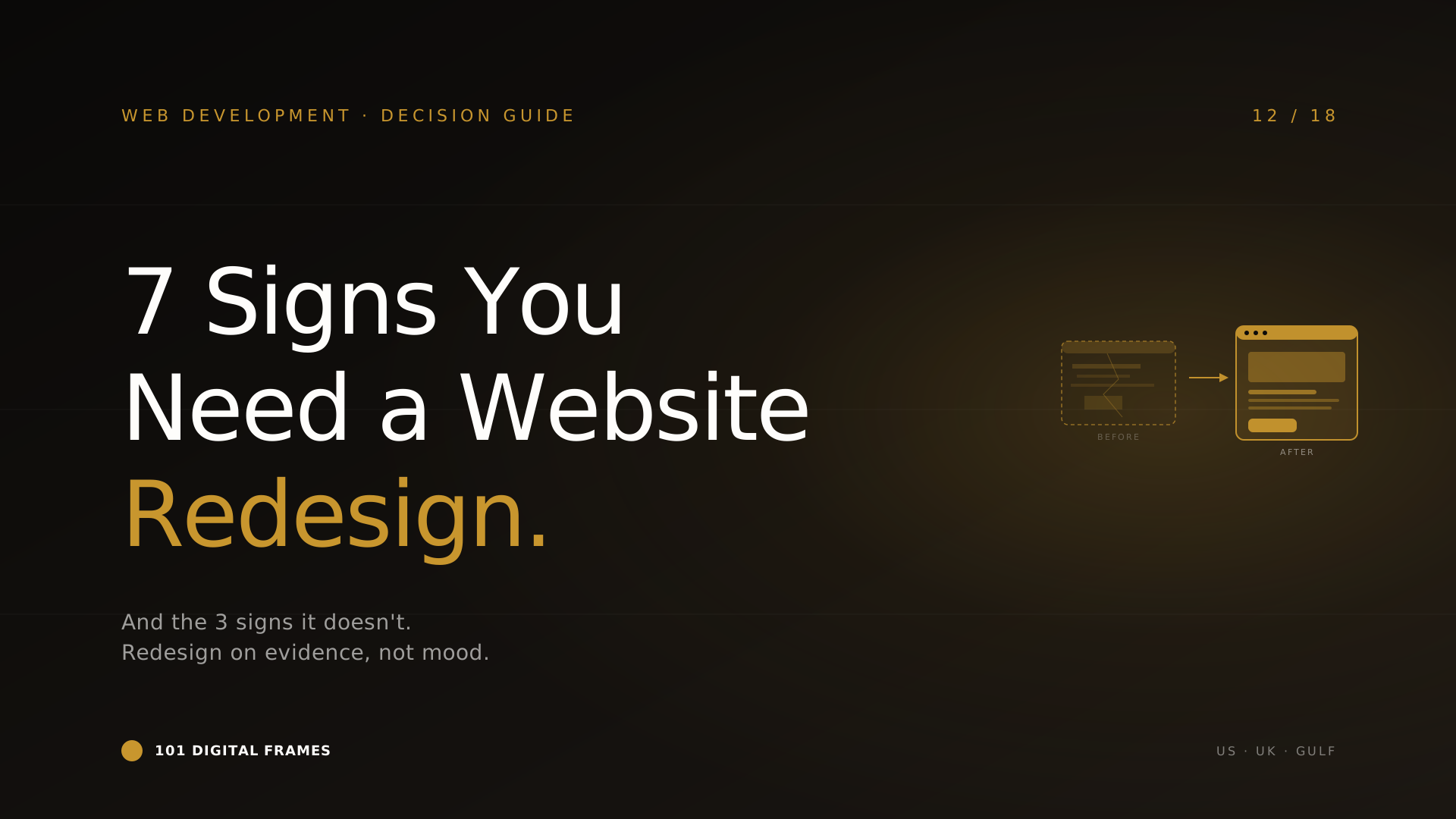
7 Signs Your Website Needs a Redesign in 2026: and 3 signs it doesn’t.
July 26, 2026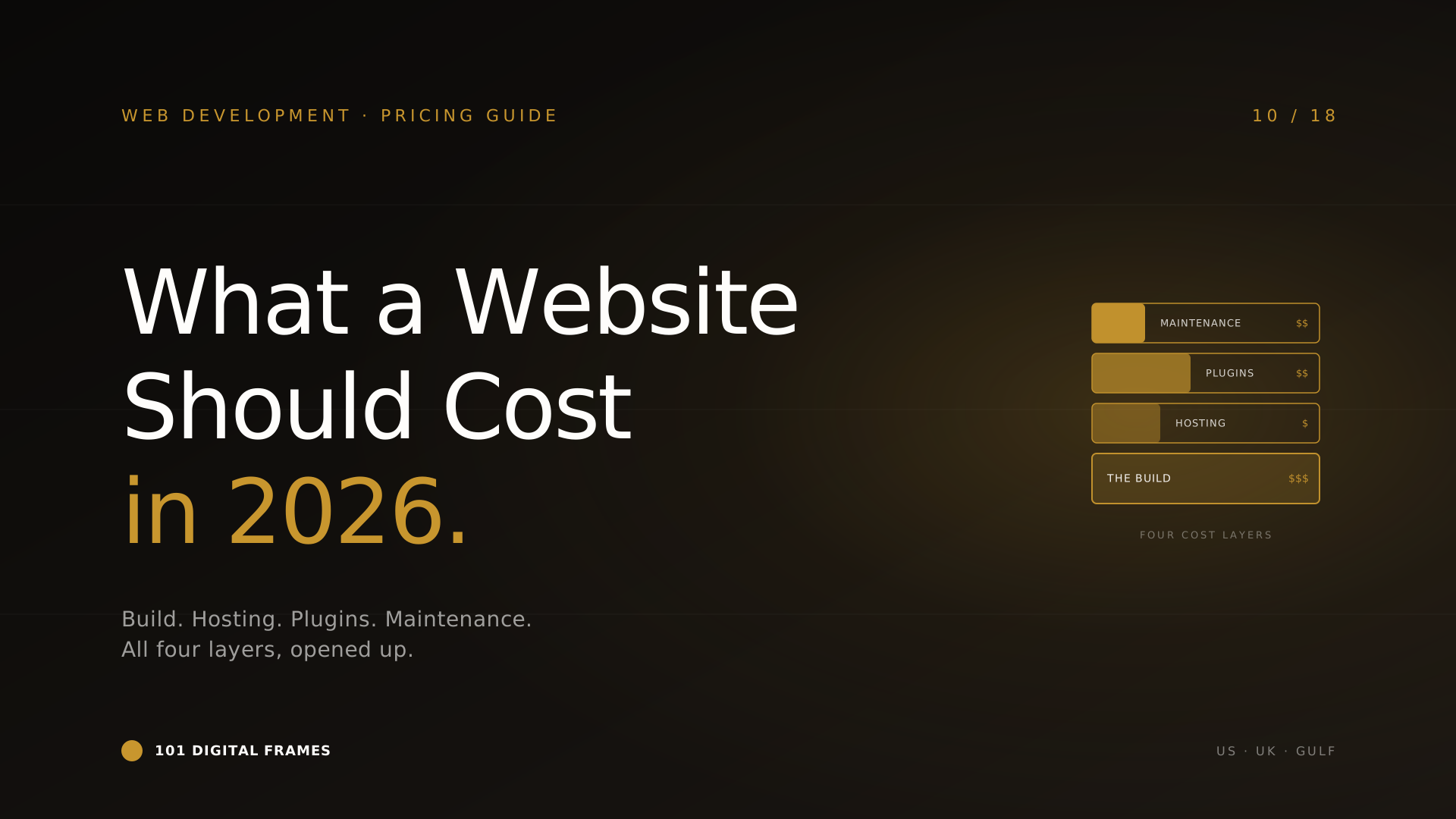
What a Modern Business Website Should Cost in 2026: US, UK & Gulf benchmarks, opened up
July 29, 20267 Signs Your Website Needs a Redesign in 2026: and 3 signs it doesn’t.
July 26, 2026What a Modern Business Website Should Cost in 2026: US, UK & Gulf benchmarks, opened up
July 29, 2026Every web agency in 2026 sells "AI-powered websites." Almost none of them mean the same thing by it — and a good number mean nothing at all. For some it's a chatbot bolted to the corner. For others it's "we used ChatGPT to write your copy." For a few it's genuine, useful, revenue-moving intelligence built into the site itself.
This article cuts through it. An AI-powered website isn't a category — it's a regular website with one or more specific AI capabilities added. The phrase only means something once you name the capabilities. So that's what we'll do: seven concrete features, what each actually does, what each costs, and — crucially — whether it's worth it for a business like yours or just a line on a proposal.
If you're weighing platforms or budgets first, read WordPress vs Webflow vs Custom and what a website should cost. This piece is about what happens once the site itself gets smart.
Let's separate the substance from the sticker.
What an "AI website" is not
Three things get sold as "AI-powered" that aren't, in any meaningful sense:
1. "We used AI to build it." Using ChatGPT to draft copy or Midjourney to make a hero image doesn't make the site AI-powered any more than using a calculator makes your accounts "computer-powered." The AI touched the construction; it isn't in the running product. Fine to do — not a feature to sell.
2. A generic chatbot that can't do anything. A widget that answers "what are your opening hours" from a script isn't AI — it's a FAQ with a speech bubble. Real AI chat understands intent, pulls from your actual content, and takes action. The bar is behaviour, not the presence of a chat bubble.
3. "AI website builders." Tools like Wix ADI or Framer AI that generate a template from a prompt. Useful for a quick starting point, but the output is a static site — the AI built the scaffold and then left. There's no intelligence in the live site. Don't confuse an AI-built website with an AI-powered one.
Seven features that genuinely make a website AI-powered
Each one is a real capability living in the running site. Costs are to add the feature to an existing site. "Worth it for" tells you who should actually bother.
A real conversational assistant
Trained on your actual content — services, pricing, docs, past questions. Understands intent, answers in your brand voice, escalates or books a call when it can't help. Bilingual where you need it. This is the flagship "AI website" feature and, done properly, the one that earns its keep fastest.
Personalised content & recommendations
The site adapts to the visitor — showing different hero messaging, recommended products, or relevant case studies based on where they came from, what they've viewed, and what similar visitors converted on. Quietly one of the highest-ROI features for e-commerce and content sites.
AI-powered site search
Semantic search that understands what visitors mean, not just the keywords they type. "Something warm for a winter wedding" returns the right products; "how do I cancel" returns the right help article. For any site with more than 50 pages or products, this is a bigger conversion lever than most redesigns.
We build all seven. Tell us your site and traffic — we'll tell you which two are worth it and which to skip.
Intelligent lead capture & qualification
Instead of a dumb contact form, the site holds a short conversation — understands what the visitor needs, qualifies them, routes hot leads to sales instantly and nurtures the rest. Every lead arrives in your CRM enriched and scored, not as an anonymous "name + email."
AI content generation & SEO at scale
Built-in pipelines that draft product descriptions, meta tags, blog outlines, and long-tail landing pages — with a human editorial gate before anything publishes. Turns a two-person content team into the output of six. The catch: it needs the editorial layer, or it becomes an SEO liability.
Visual & voice search
Upload a photo, get matching products. Ask a question out loud, get an answer. Niche today, but for fashion, home, beauty, and accessibility-focused sites it's a genuine differentiator — and it signals to visitors that you're ahead of your category.
Predictive analytics & auto-optimisation
The site watches its own behaviour — which headlines convert, which paths lead to sales, where visitors drop — and either surfaces recommendations or auto-adjusts within safe bounds. The most advanced feature here, and the one most businesses don't need yet. Real, but reserve it for high-traffic sites where a 2% lift is serious money.
If you can only add one or two
Most SMBs don't need all seven. They need the right two. Here's the honest order.
Start with the conversational assistant (Feature 1). It works for almost every business, pays back fastest, and doubles as a live demonstration of capability. If you add nothing else, add this.
Then, depending on your business: e-commerce → personalisation (2) or AI search (3). Service business → intelligent lead capture (4). Content-heavy → content generation (5) or AI search (3). Big visual catalogue → visual search (6).
Leave predictive auto-optimisation (7) until you're a high-traffic site. Below serious volume it's an expensive science experiment. Above it, it's a money printer. Know which side you're on.
Most web agencies can't build the AI. Most AI shops can't build the website. We do both — which is the whole point of an AI-powered site.
Can you add AI to a WordPress or Webflow site?
Yes — and this surprises people. AI features don't require a custom-coded site. Every feature above can be added to a WordPress or Webflow site, because the AI usually lives in a separate service and connects to your site through an API or an embedded widget. Your CMS hosts the pages; the AI runs alongside it.
Where the platform starts to matter is at depth. Light-touch features — a chat assistant, AI search, lead capture — drop onto any platform cleanly. Deep features — real-time personalisation rewriting the page per visitor, predictive auto-optimisation — are easier and cheaper on a custom build where you control the rendering. If AI is central to your site's whole reason for existing, a custom build (see our platform comparison) pays off. If AI is a powerful add-on to a content or commerce site, WordPress is completely fine.
Don't let anyone tell you that you need to rebuild your whole site from scratch to "make it AI-powered." Usually you don't. That's a sales tactic, not a technical requirement.
In one paragraph
"AI-powered website" only means something once you name the feature. Using AI to build a site, a scripted chatbot, and an AI website builder are all imposters. The real thing is one or more of seven capabilities living in the running site — conversational assistant, personalisation, semantic search, intelligent lead capture, content generation, visual/voice search, and predictive optimisation. Most businesses need the right two, not all seven, and the conversational assistant is where almost everyone should start. You can add most of these to an existing WordPress or Webflow site without a rebuild. Anyone telling you otherwise is selling, not advising.
Common questions
Do I need to rebuild my site to make it AI-powered?+
Usually not. Most AI features connect to your existing site through an API or an embedded widget, so they work on WordPress, Webflow, or Shopify as-is. A full rebuild is only needed for deep features like per-visitor personalisation or predictive auto-optimisation. If an agency insists you must rebuild everything, get a second opinion.
What's the single most useful AI feature to add first?+
A real conversational assistant trained on your content. It works for nearly every business, pays back fastest by deflecting support and capturing leads, and doubles as a live demonstration that your business is ahead of the curve. If you add only one thing, add this.
Is an AI website builder the same as an AI-powered website?+
No. An AI website builder (Wix ADI, Framer AI) uses AI to generate a static site from a prompt, then the AI leaves. The finished site has no intelligence in it. An AI-powered website has live AI capabilities running in the product — chat, search, personalisation. Different thing entirely.
How much does it cost to add AI to an existing website?+
Light features (chat assistant, AI search, lead capture) run $3,000–$14,000 to build plus $80–$600/month. Deeper features (personalisation, visual search, predictive optimisation) run $8,000–$30,000+ plus higher monthly costs. Most SMBs spend $5,000–$15,000 adding the one or two features that fit their business.
Will AI features slow my site down or hurt SEO?+
Done properly, no. Most AI runs asynchronously or server-side, so it doesn't block page load. A poorly built widget can hurt performance, which is why implementation quality matters. AI content generation can help or hurt SEO depending entirely on whether there's a human editorial gate before publishing.
Want to make your website genuinely intelligent?
Book a 30-minute call. We'll look at your site and traffic, tell you which one or two AI features are actually worth it — and which to skip. We build both the AI and the website, so the advice isn't biased toward selling you a rebuild.
101 Digital Frames LLC · Florida, USA · Birmingham, UK · Muscat, Oman